
Why Instagram’s Edits App Tutorials Matter
Instagram has once again made a strategic move by rolling out a tutorial series on its Edits app. The Edits app has become the central tool for creators to fine-tune reels, stories, and posts. With TikTok, YouTube Shorts, and Snapchat pushing their own editing features, Instagram is making sure creators don’t look elsewhere.
This tutorial series isn’t just a guide—it’s a growth opportunity for businesses, influencers, and content marketers who want to stand out in 2025. If you’ve been struggling with editing reels, transitions, captions, or trending effects, the Edits app tutorials give you the practical knowledge you need.
What is the Instagram Edits App?
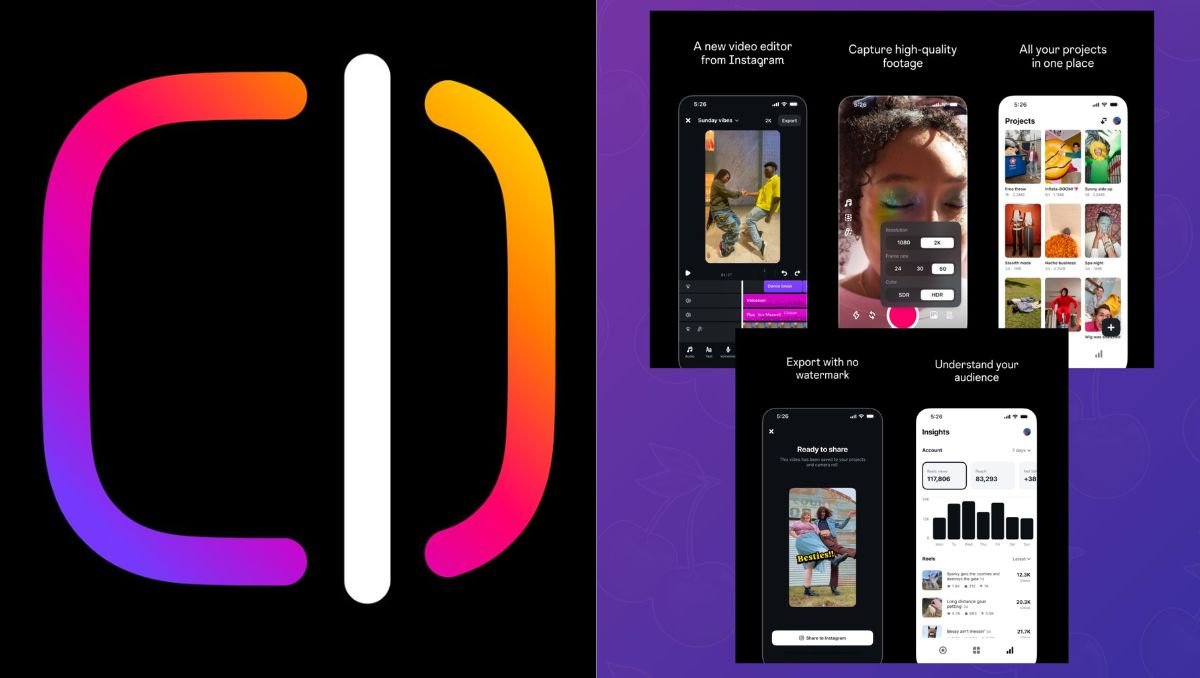
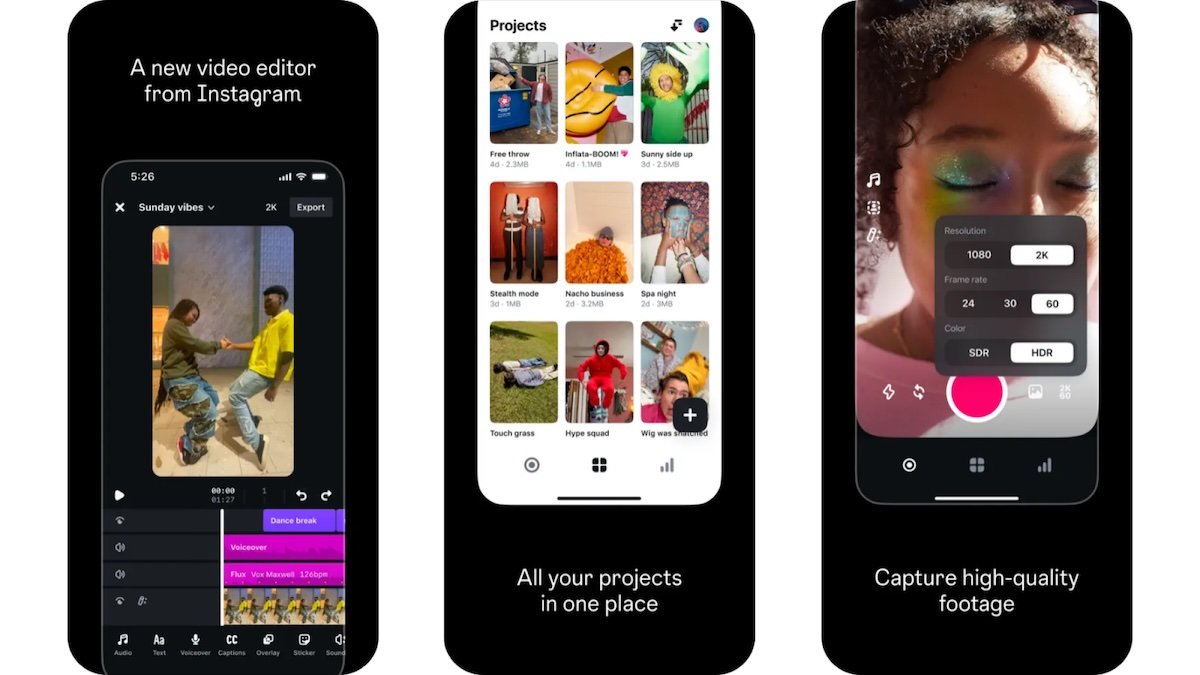
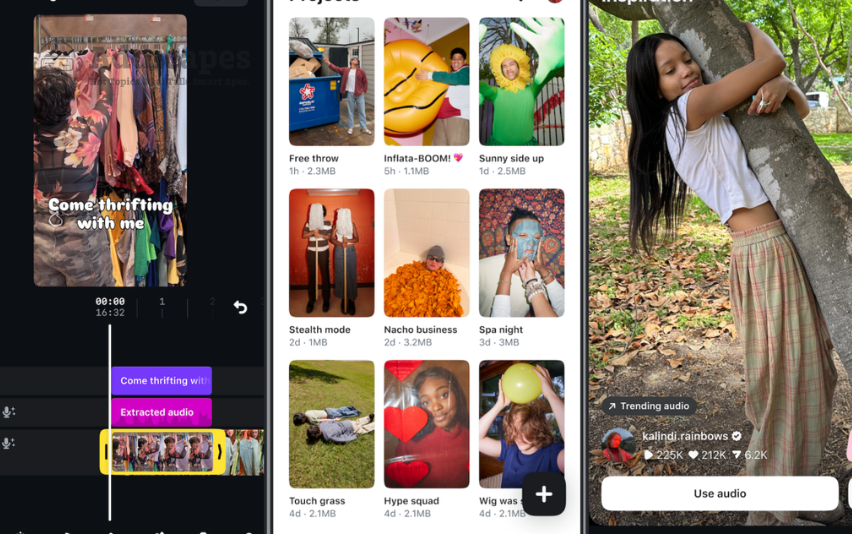
The Instagram Edits app is the built-in editing tool that powers reels, carousel posts, and stories. It allows creators to:
- Trim and merge video clips
- Add trending sounds and music
- Insert captions and text overlays
- Apply transitions and templates
- Use advanced editing like green screen and multi-layer effects
By launching tutorials, Instagram is signaling that video editing is the future of social content, and it wants every creator—beginner or pro—to know how to maximize these features.
Why the Tutorial Series is a Big Deal
Instagram tutorials aren’t new, but the focus on the Edits app is different. The tutorials help in:
- Educating new creators: Many small businesses and individuals don’t know how to use editing tools effectively.
- Increasing platform loyalty: If you master Instagram edits, you’re less likely to shift to TikTok or CapCut.
- Boosting engagement: Better-edited reels and posts naturally get more views, saves, and shares.
In short, Instagram is investing in creator empowerment, which means your content can now compete better if you take the tutorials seriously.
SEO Insight: Why Instagram Tutorials Align With Search Trends
Google search data shows rising interest in phrases like:
- “How to edit Instagram reels 2025”
- “Best Instagram editing apps”
- “Instagram Edits app tutorial”
- “Instagram reel editing tips”
By offering its own tutorials, Instagram is targeting exactly what people are searching for. This gives creators a double advantage: learning editing tricks while tapping into SEO-friendly keywords for their own content.
Key Features Covered in the Instagram Edits App Tutorials
1. Reel Editing Made Simple
The tutorials walk users through trimming, syncing music, and using AI-powered auto-captions. This matters because reels dominate Instagram engagement.
2. Transitions and Templates
Smooth transitions keep viewers hooked. Instagram now teaches how to apply templates without needing third-party apps.
3. Text, Stickers, and Captions
Adding stickers and animated captions boosts story engagement. Tutorials show how to place them strategically for higher retention.
4. Sound and Music Sync
With TikTok’s music-driven dominance, Instagram is doubling down on sound sync features—making sure your reels fit perfectly with trending tracks.
5. Advanced Layering
For professional creators, tutorials cover layering multiple video clips, green screen effects, and editing hacks previously only possible in apps like CapCut.
How Creators and Brands Benefit
Small Businesses
Local stores, cafes, and service providers can now make professional-looking reels without hiring editors.
Influencers
Better editing equals better brand deals. Influencers who master Instagram edits stand out in crowded niches.
Marketers
Agencies can quickly train interns and junior staff through Instagram’s own tutorials, reducing the learning curve.
Personal Brands
Whether you’re a coach, artist, or freelancer, polished video content builds authority and trust faster.
Instagram Edits App vs. Third-Party Apps
For years, creators relied on CapCut, InShot, and Adobe Premiere Rush. While those apps are powerful, they add an extra step—exporting to Instagram. By integrating tutorials directly, Instagram is making the case that:
- You don’t need extra apps.
- Your edits are already optimized for Instagram’s algorithm.
- You save time and storage by editing natively.
This is also an algorithmic play—Instagram favors content created within its ecosystem.
Best Practices for Using Instagram Edits App (2025 Tips)
- Follow the Tutorials Weekly: Instagram will likely update the series regularly with new effects and trends.
- Experiment with Templates: Don’t stick to one editing style—algorithms reward variety.
- Use SEO-Driven Captions: Include high-volume keywords like Instagram reels editing, Instagram video tutorials, and Edits app features in your post descriptions.
- Stay Consistent: Post at least 3–4 reels weekly to make the most of your editing skills.
- Mix Entertainment + Education: Tutorials show how to balance fun edits with informative storytelling.
The Future of Instagram Editing is Here
The rollout of the Instagram Edits app tutorial series is a bold step toward making professional video editing accessible to everyone. Whether you’re an influencer, small business, or marketer, mastering the tutorials will give you a competitive edge.
In 2025, editing isn’t optional—it’s the gateway to visibility, engagement, and growth on Instagram. The sooner you start using the tutorials, the faster you’ll stand out in a crowded feed.